
The BeLazy spreadsheet contains a fixed set of sheets. Some are written by BeLazy and are overwritten on every synchronization, some are yours to fill in, and a few columns are editable and travel back to BeLazy and to your TMS or BMS. This article explains what each sheet is for, and the rules you have to respect so that your work is not lost.
The sheets
| Sheet | Filled by | Can you edit it? |
|---|---|---|
| Projects | BeLazy | Read-only |
| Jobs | BeLazy | Vendor, Due date, Status, Notes only |
| Analysis data | BeLazy | Read-only |
| Customers | BeLazy (name, email), you | Price list, Notes |
| Users | BeLazy | Read-only |
| Languages | BeLazy | Read-only |
| Work types | BeLazy | Read-only |
| Vendors | BeLazy (identity), you (capabilities) | Capability columns, price list, notes |
| Price lists | You | Fully yours |
| Fuzzy schemes | You | Fully yours |
| Fuzzy types | BeLazy | Read-only |
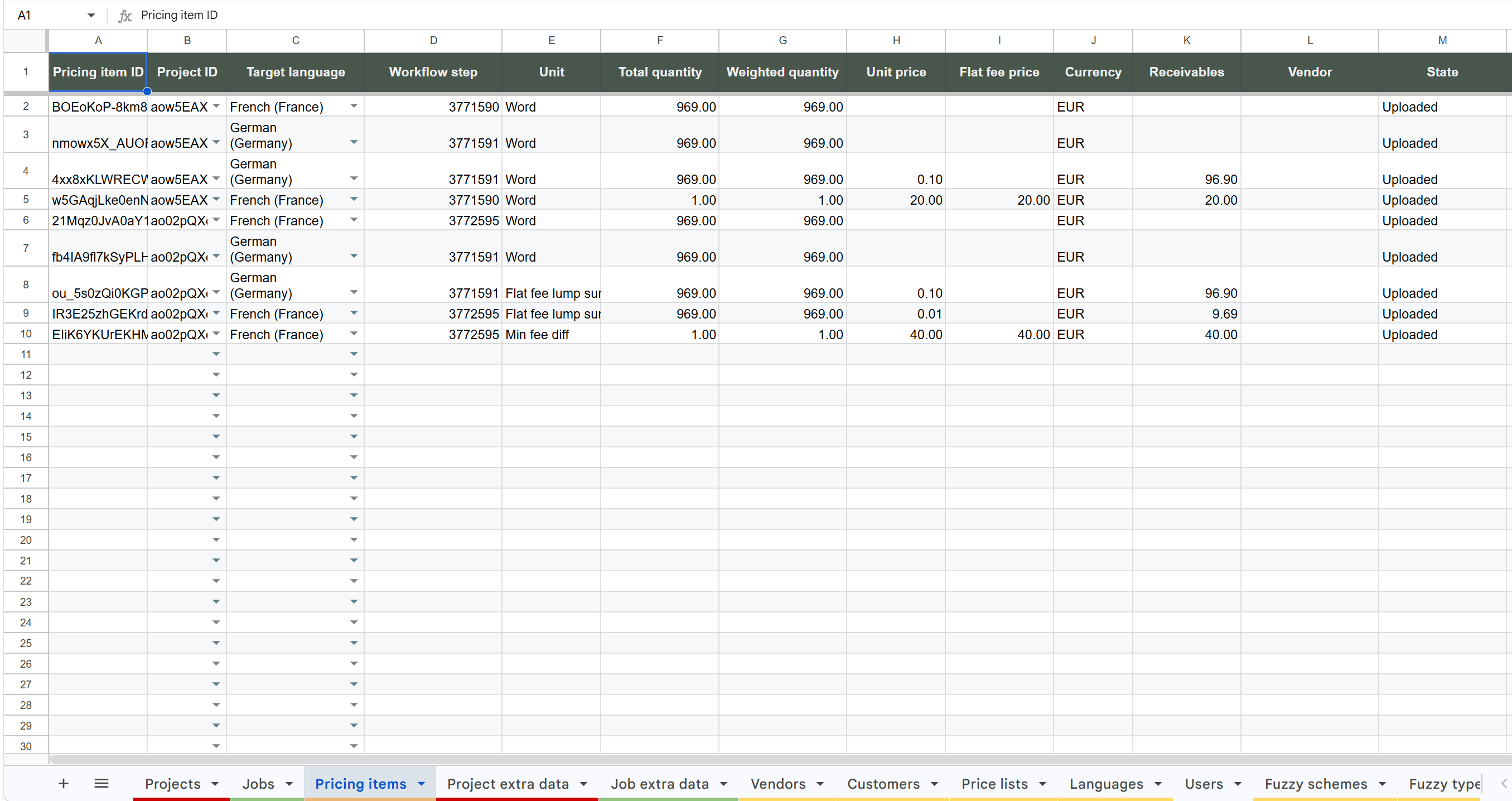
| Project extra data / Job extra data | BeLazy | Read-only |
| User guide | BeLazy | Read-only (rewritten on every sync) |
Two more sheets, Config and Debug, are hidden on purpose. Config holds the address BeLazy's scripts talk to, Debug holds script diagnostics. Leave them alone.
Projects
One row per BeLazy project. A project groups one or more jobs under a single source language and a set of target languages. If one BMS project contains several BeLazy projects (project bundling), each combination is displayed as a separate row here, tied together by the BMS Project ID column.
The row carries the manager, customer, dates, specialization, PO, volumes, money (receivables, payables, revenue), instructions, and links back to the project in BeLazy and in the origin system.
Jobs
One row per job, that is, a single workflow step for a single target language, for example Translation > de-DE. A project with two target languages and two workflow steps produces four job rows. The Project ID column links a job to its project.
This is the sheet you actually work in: assign vendors, change deadlines, close jobs.
Analysis data
Word counts per TM match band per job, as delivered by your TMS. This is the input for the vendor cost calculation. If a job has no rows here, every vendor cost comes out as 0.
Vendors
Your vendors as they exist in BeLazy: id, name, username, email. The columns that describe what a vendor can do, namely Supported source languages, Supported target languages and Supported work types, plus Price list, are yours to fill in. The vendor selection dialog relies on this data, and shows only the vendors who fit the job.
Price lists and Fuzzy schemes
Your rate cards and TM discount grids. They are covered in the article on setting up vendor pricing.
Customers, Users, Languages, Work types, Fuzzy types
Reference data, filled by BeLazy and used as dropdown sources elsewhere. Fuzzy types is the list of band names actually seen in Analysis data: use it to spell your fuzzy scheme bands exactly right.
Project extra data / Job extra data
Custom fields that your connectors provide. The columns appear and disappear automatically depending on what your data contains.
What you may edit
In the Jobs sheet, and these edits travel back to BeLazy:
| Column | What happens |
|---|---|
| Vendor | The vendor is assigned to the job in BeLazy and in your TMS |
| Due date | The new deadline is sent to BeLazy |
| Status > Closed | A close request is sent for that job |
Everything else in the Jobs sheet is overwritten by the next sync. Note also that when you change a deadline, a request is sent to BeLazy, and if BeLazy cannot set that deadline for some reason, the next sync puts the original deadline back into your spreadsheet. This is intentional, so that errors do not stay hidden.
In the user-maintained sheets, that is Price lists, Fuzzy schemes, the capability columns of Vendors and the Price list column of Customers. Rows you add here are never deleted by a synchronization, not even by Full Sync.
What you must not do
- Do not add your own columns to any sheet. BeLazy controls the column layout, and columns it does not know about are removed when the spreadsheet structure is brought up to date, together with their content. If you need extra fields, copy the data into a spreadsheet of your own and work there. An IMPORTRANGE into a separate file works nicely.
- Do not rename headers, and do not reorder or rename the BeLazy sheets. The structure is matched by those names, so renaming breaks the match and the column is rebuilt empty.
- Do not type into read-only sheets (Projects, Jobs beyond the four columns above, Analysis data, Users, Languages, Work types, Fuzzy types, extra data). Your text is overwritten the moment that row changes in BeLazy.
- Do not edit more than 10 job rows at once. A bulk paste over Vendor, Due date or Status touching more than 10 rows is rejected: the cells you pasted into are cleared and a warning appears. Work in batches of ten or fewer.
Your own extra tabs, as opposed to BeLazy sheets, are left alone. That is the safe way to keep personal pivot tables, charts and formulas: put them in your own tab and reference the BeLazy sheets with formulas.