
This article contains the steps we recommend you perform once you created the organization in BeLazy. BeLazy is a system where configuration and setup is the complicated part - using the system afterwards is very easy, as everything happens automatically. After completing these steps, you still won't have a working system, but you will have everything to add your first connection.
Set up your business management system
Companies with a commercial or custom-built business management system (1 hour approximately)
BeLazy's initial route is taking a project from the Content and Project Hub and managing it in the Business Management Hub. Therefore, the first system to set up is the business management system.
If you are using a commercial system supported by BeLazy, setting up the system is a two-step process:
- You need to configure Plunet, XTRF and Protemos to make the system compatible with BeLazy. These are steps you can take without even having a BeLazy account.
- You need to add them to BeLazy and configure the Plunet, XTRF and Protemos connections.
If you have your own, custom-built business management system, you need to add the necessary values into the lists. You can do this by uploading JSON files or by using the BeLazy APIs.
Companies without a business management system or individuals (10-20 minutes)
If you are an enterprise user or a translator, you most likely do not have a dedicated business management system. Don't worry, BeLazy has BMS capabilities, and its user interface is the Google Sheet project management tool.
In order to set up the system, open Manage my business management system in the profile menu. You will see this image:
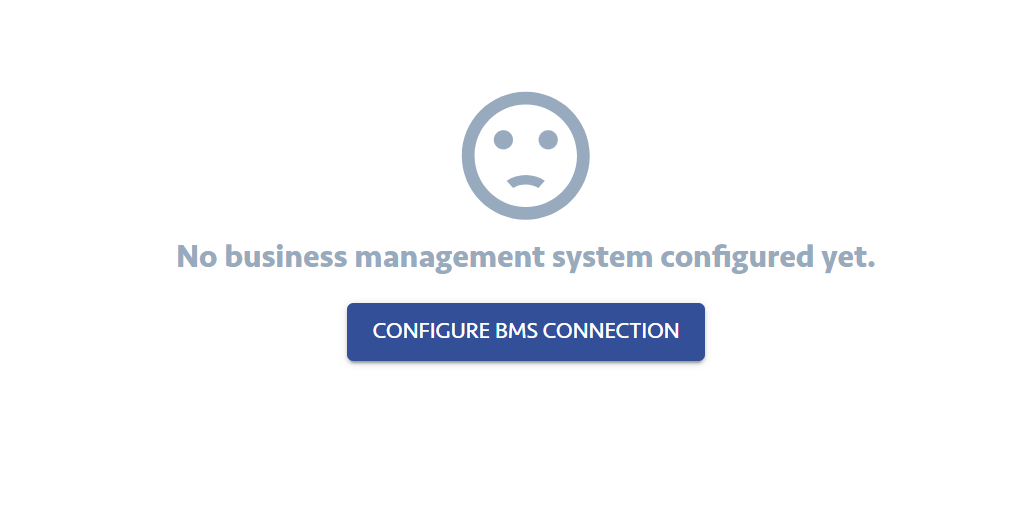
Click on the button, and a wizard appears that prompts you to enter your system´s URL:
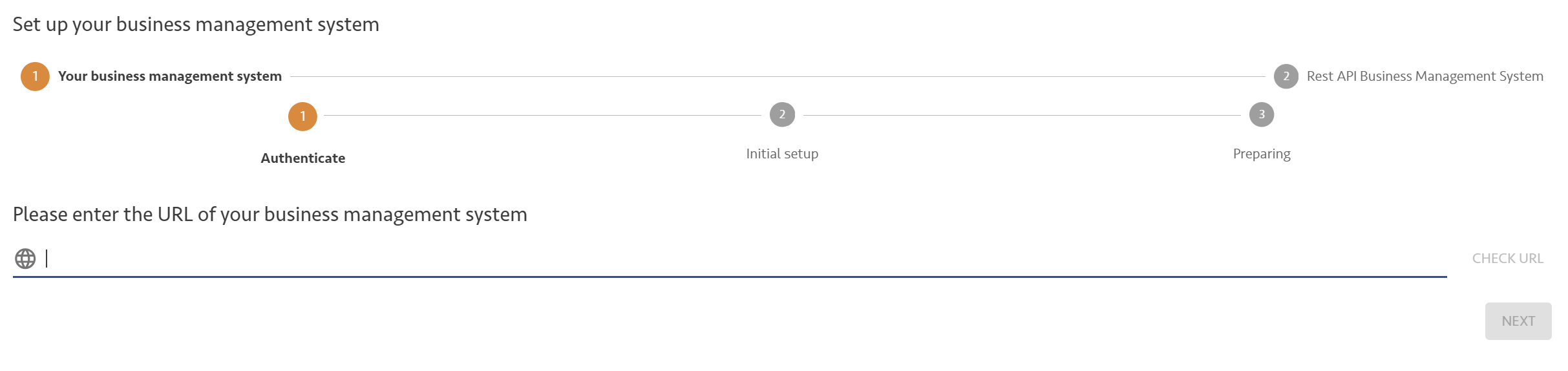 If you have Plunet, XTRF, or Protemos, follow the articles that explain the URL format you need to enter here. If you do not, then you can enter an arbitrary URL here, I entered https://sheets.google.com, and clicked Check URL:
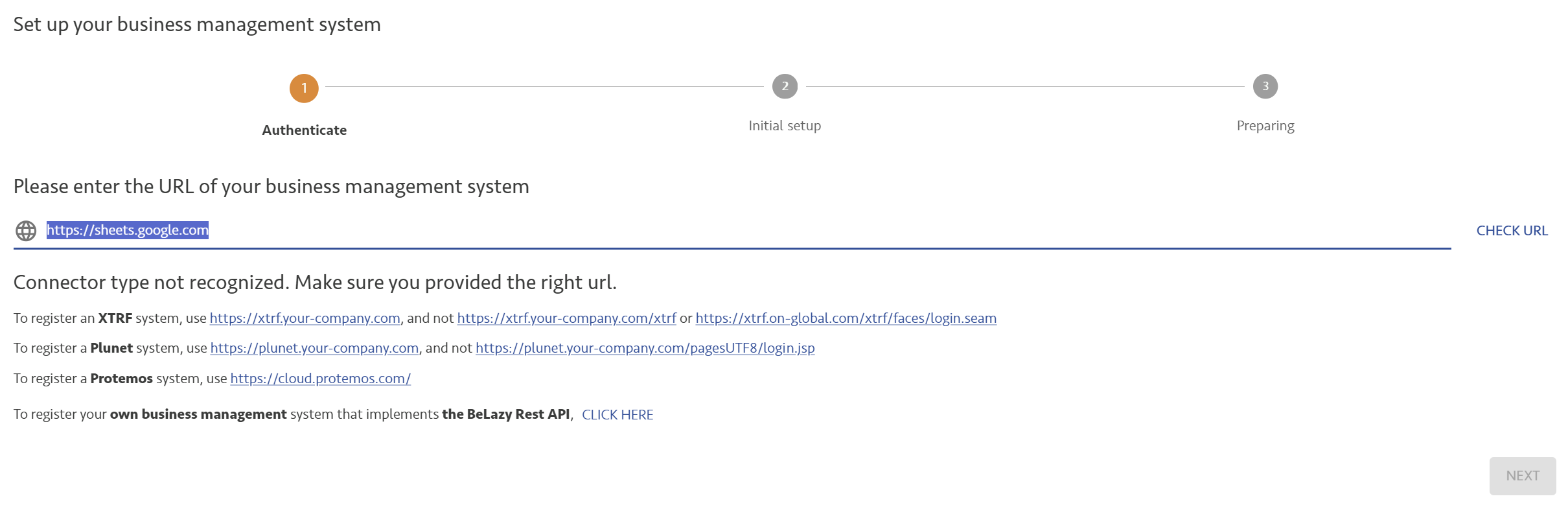 Now select the last option, To register your own business management system that implements the BeLazy Rest API, CLICK HERE.
It is possible that you'll have to enter the same URL twice.
On the next page, click Next. You should only enable this option if you are using a real, programmed business management system, that can confirm successful project creation.
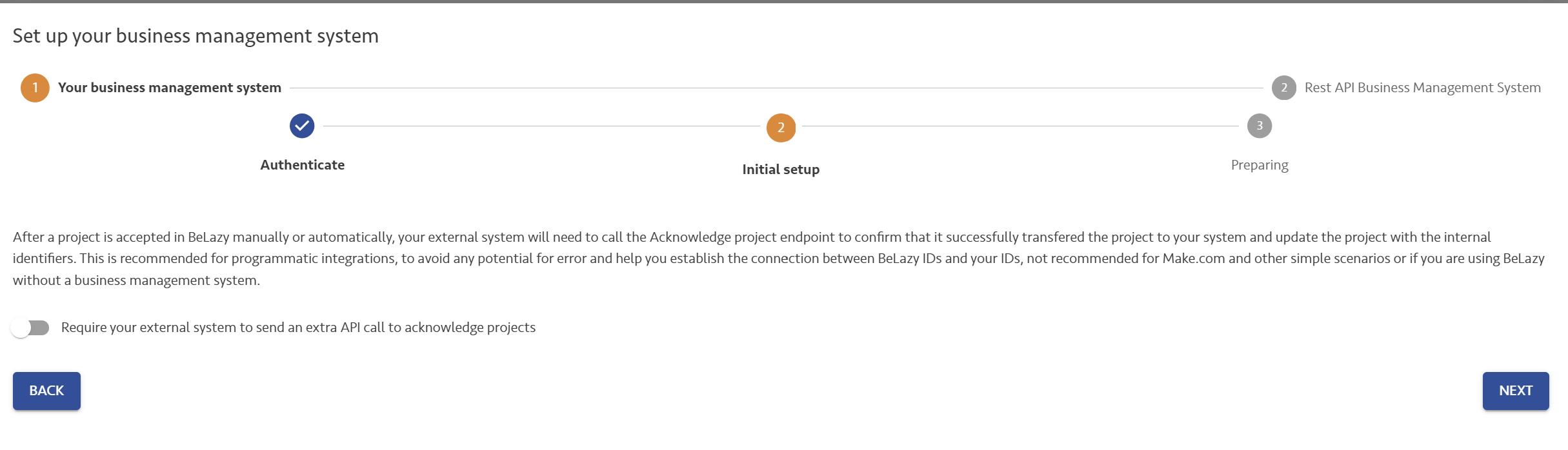
BeLazy will tell you that the business management system has been created.
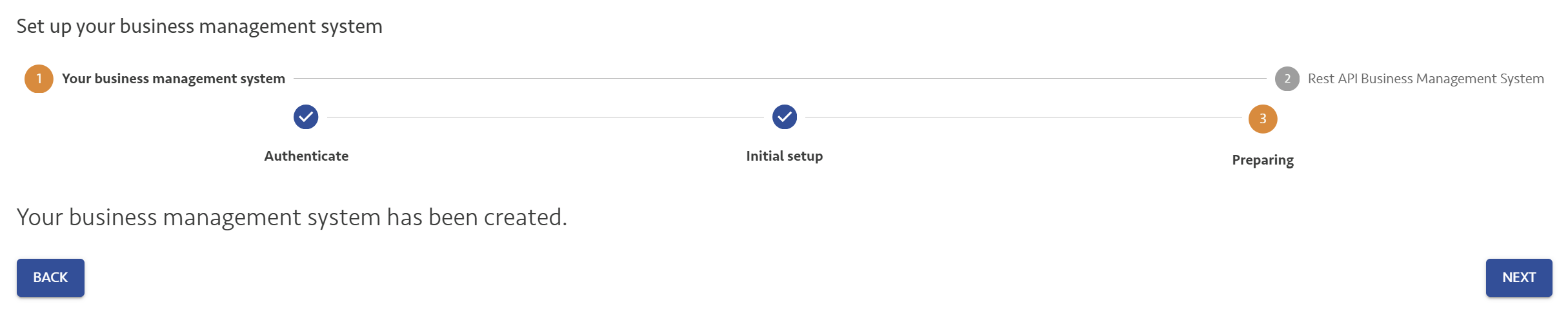
When you click Next, you can start uploading the BMS values.
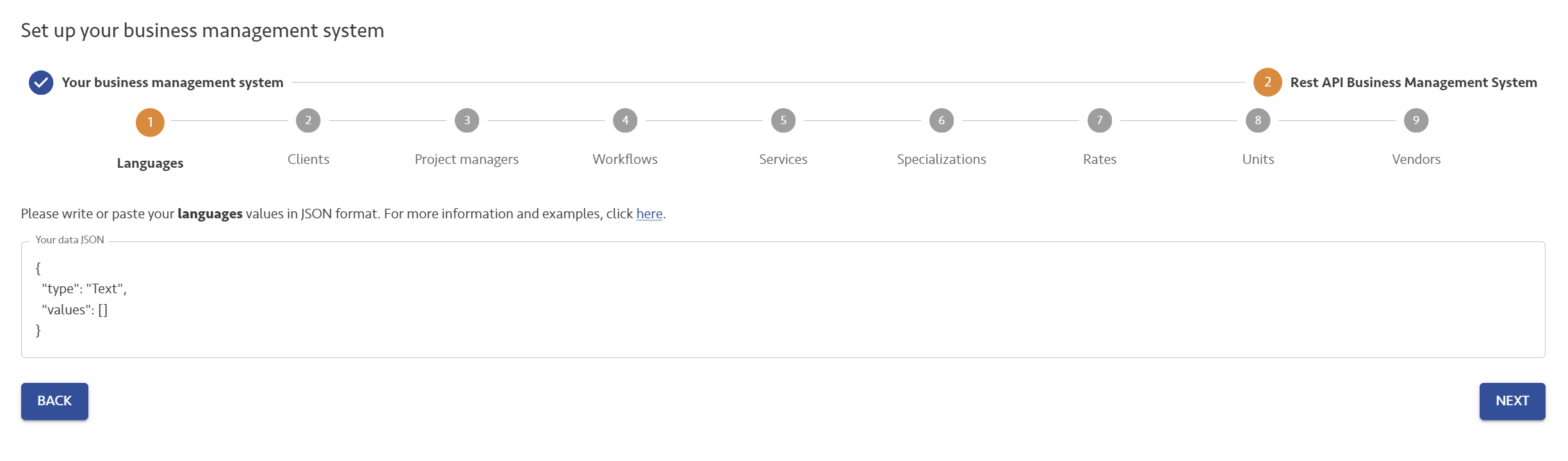
Languages, clients, project managers, workflows, services, specializations, rates, units and vendors can all be uploaded in a JSON format. Services are deprecated, we recommend keeping them empty. Languages, workflows, rates and units are the compulsory uploads. You find some sample files here that you can upload by copying and pasting their contents into the text box, and clicking Next.
You can later edit these values on the user interface as well, under Manage my business management system. These are the values that should be able to describe all of your projects. These are the values that we will map connector and translation management system values to.
Set up the Google Sheet integration (5-10 minutes)
No matter if you are using a business management system or you just wish to use Google Sheets standalone, we recommend that you configure your Google Sheet integration. It is simple: you just need to follow the on-screen instructions here. Make sure that Apps Script is enabled, and you are only logged into Google with a single user. If you have multiple users logged in, the setup won't work.
For more information refer to the dedicated article.
Connect an Outlook account (3 minutes)
Connect your Outlook account here if you wish quick response The process is described here. The Outlook account connection is most useful to quickly synchronize connections when a new email notification comes in from a customer. Otherwise BeLazy may take up to 30 minutes in picking up your projects. It is also directly connected to the Email Assistant. If you prefer not to have an Outlook account, the same functionality for other mail providers like Gmail can be easily achieved by tools like Make.com - feel free to contact the BeLazy team.
Add your translation management system (5 minutes)
If you are using a cloud- or server-based translation management system like Phrase TMS, memoQ or Crowdin as your main system, it is worth configuring it now. Click here to set it up. Read more about the TMS Processing Hub here.